# Hardware Setup
Hardware Setup
So you want to build your own music server? Cool. Let’s talk about what you actually need to get this thing running.
The Pi vs. The Laptop Dilemma
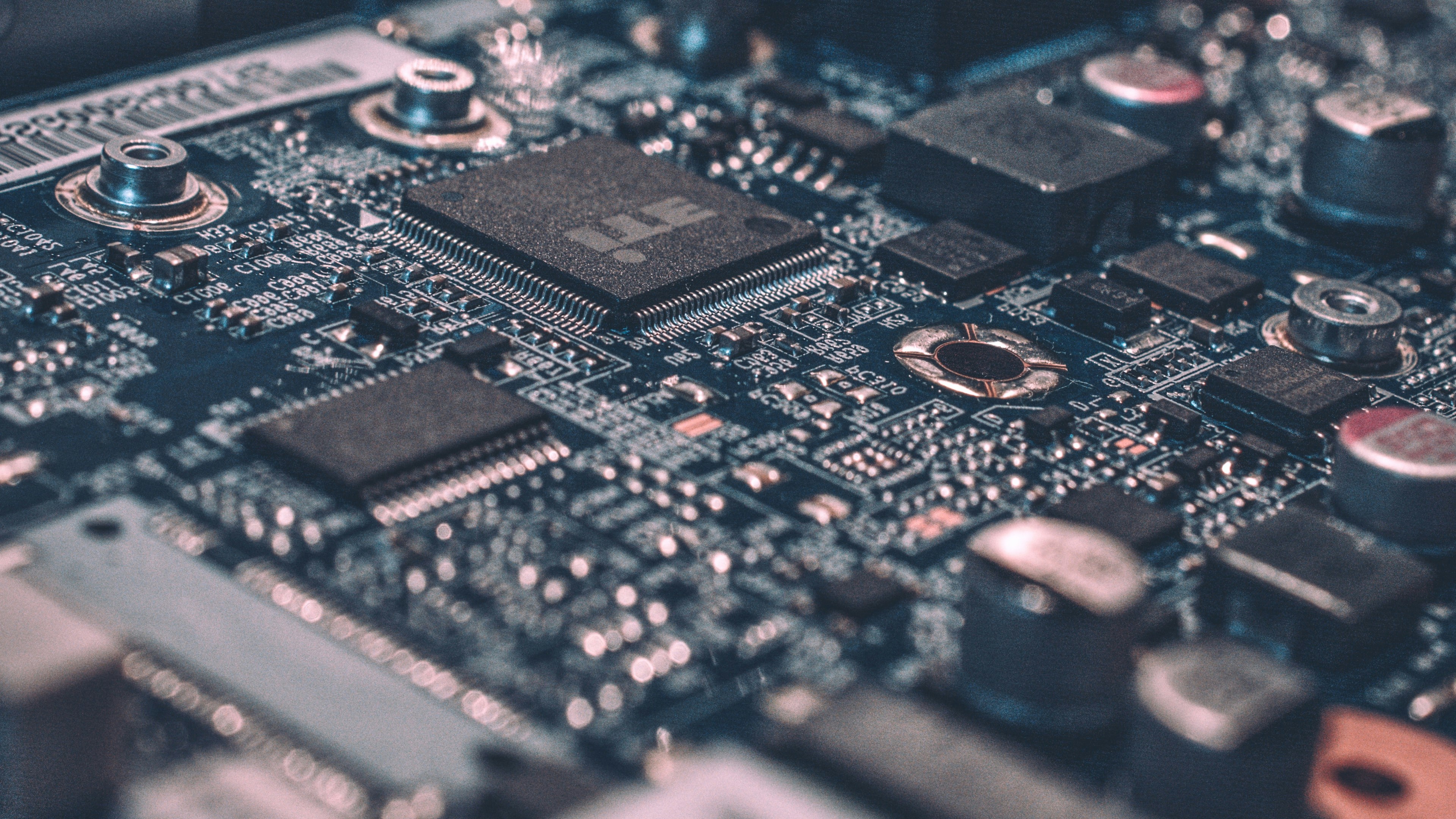
Everyone and their dog will tell you to use a Raspberry Pi 4 for this kind of project. And yeah, I get it - they’re tiny, they’re cheap, they look cool sitting there with all those little GPIO pins you’ll never use. The Pi is definitely a solid starting point if you want something that barely uses any power and fits in your pocket.
But here’s the thing about Pis that nobody mentions upfront: your storage is stuck on an SD card. Sure, you can plug in external drives, but you’re still dealing with that SD card bottleneck for your OS, and good luck expanding your storage without a bunch of USB drives hanging off it like some kind of digital octopus.
Why I’m Starting with an Old Laptop Instead
For this tutorial, I’m going with something different - an old business laptop. Before you roll your eyes, hear me out.
You can grab a decent used business laptop for around 50€ if you know where to look. I’m talking about those boring ThinkPads or Dell Latitudes that some office worker used to check emails for three years before the company upgraded. They’re not sexy, but they’re built like tanks.
Here’s why this approach actually makes sense:
- Built-in screen and keyboard - When something goes wrong (and it will), you don’t need to hunt for a monitor and keyboard to troubleshoot
- Real storage - Actual SATA drives that you can swap out or upgrade without dealing with adapters
- More RAM slots - Most business laptops let you upgrade RAM easily
- Better cooling - These things were designed to run all day in an office
- Multiple USB ports - No need for hubs when you want to add external storage
My Setup: The Free Apple
For this build, I’m using a MacBook Air with an i7 that I got for free (thanks, little Apple!). Here’s what I’m working with:
- Intel i7 (yeah, it’s old, but it’s more than enough for streaming music)
- 8GB RAM (could probably get away with 4GB, but why suffer?)
- 256GB storage (we’ll talk about expanding this later)
This isn’t cutting-edge hardware. Hell, it’s not even recent hardware. But it’s reliable, it was free, and it’ll handle streaming your entire music collection without breaking a sweat.
One small hiccup: This MacBook Air doesn’t have an ethernet port. That’s actually something you want for a server - wired connections are more reliable than WiFi for streaming. But don’t worry, we can fix this with a simple USB-to-ethernet adapter. They’re cheap, they work fine, and honestly, it’s a small price to pay for free hardware.
The Real Talk About Hardware Requirements
Look, streaming music isn’t rocket science. Your server doesn’t need to render 4K video or mine cryptocurrency. What it needs to do is:
- Store your music files
- Stream them over your network
- Handle a music database
- Maybe transcode some files on the fly
An old laptop with a decent processor handles all of this easily. The i7-7700 might be from 2017, but it’s still way more powerful than what you actually need for a music server.
Storage: The Part That Actually Matters
Here’s where things get interesting. That 256GB drive? It’s not going to hold your entire collection if you’re a serious collector. But it’s enough to get started and figure out how everything works.
The beautiful thing about using a laptop is that when you inevitably run out of space, you can:
- Swap the internal drive for something bigger
- Add an external USB drive (or several)
- Set up a proper NAS later and just point your server at it
With a Raspberry Pi, you’re basically stuck with USB drives from day one.
Power Consumption Reality Check
Yeah, an old laptop uses more power than a Pi. We’re talking maybe 15-30 watts instead of 5-10 watts. That’s like… what, an extra couple of euros per month? If power consumption is your biggest concern, maybe don’t build a music server and just keep using Spotify.
What You’ll Actually Need
To follow along with this tutorial, grab:
- Any laptop from the last 10 years with at least 4GB RAM
- Business laptops are ideal (ThinkPad, Dell Latitude, HP EliteBook), but even old MacBooks work great
- A USB-to-ethernet adapter if your laptop doesn’t have a built-in ethernet port
- Don’t stress about the exact specs - if it can run Windows 10, it can run your music server
Next up, we’ll talk about what operating system to put on this thing and why I’m not using some fancy server distribution that nobody’s heard of.
Spoiler: We’re keeping it simple, because simple actually works.